[Resources] Notice on the opening of Jingdong reading e-book reading room
Release time: 2021-06-11
Article source: Resource Development Department
Article author: Zhang Qian
Introduction to the platform:
JD Reading Professional Edition provides e-book reading services for university readers. **The e-book reading room of the university library and JD Reading has more than 200,000 genuine digital book resources, involving philosophy , economics , law , literature , etc. More than ten disciplines, including history , medicine , management , art , and industrial technology, meet various reading needs. New books are updated quickly. New books are online every week, with an annual update volume of 30,000 to 50,000. Support multiple devices to read at the same time, reading records can be synchronized on mobile phones, electronic paper readers, computers, tablets and other terminals; the school’s students reading circle, online and offline chat about reading experience, reading and making friends are correct; both on campus and off campus can be read , Not restricted by IP, allowing you to enjoy an exquisite reading experience anytime, anywhere.
Readers can download the "Jingdong Reading Professional Edition" APP (you can search and download directly in the App Store for iPhone) by following the [Huiyun Bookstore] WeChat public account, register and log in in the APP, and you can enjoy more than 200,000 books on JD for free Kind of free reading books.
[Huiyun Shushe] WeChat Official Account QR Code:

Download QR code of Jingdong reading APP:

(←Scan code to download)
The registration/login interface is as follows:
① Registration
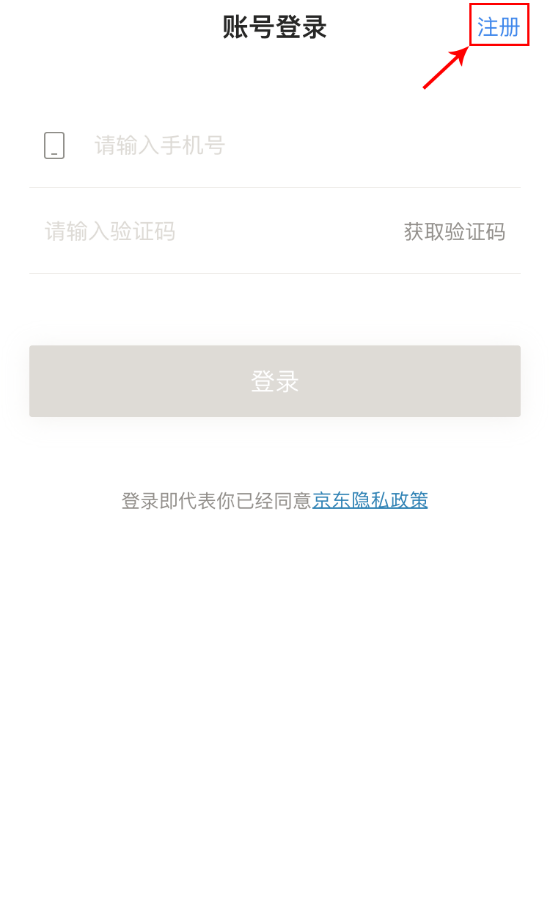
②Select a school
③Identity authentication:
When registering, the system will determine whether the user's IP address is a campus network authorized IP.
If it is the campus network IP, click the next step in the upper right corner to register; if it is not the campus network IP , the verification cannot be passed, and the user needs to connect to the campus network before registering.
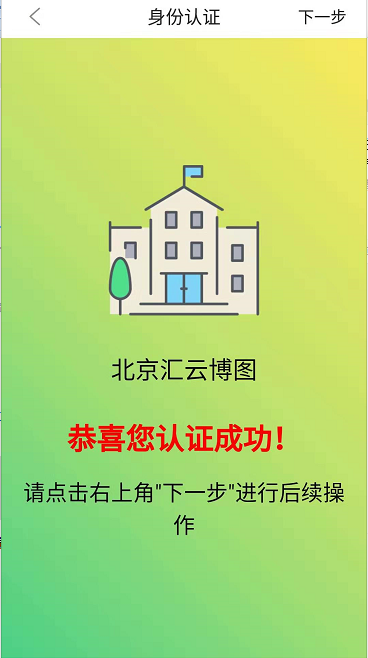
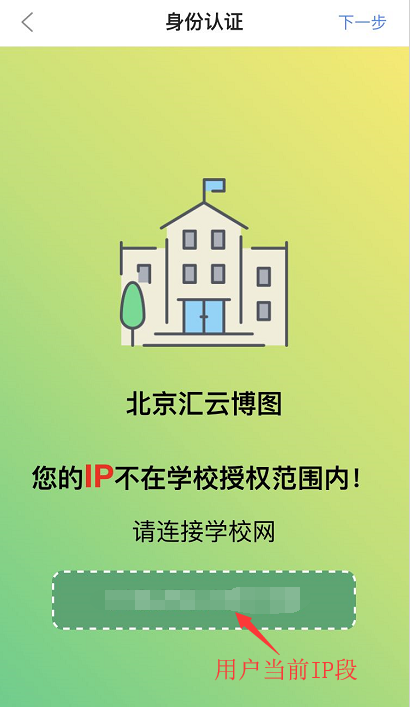
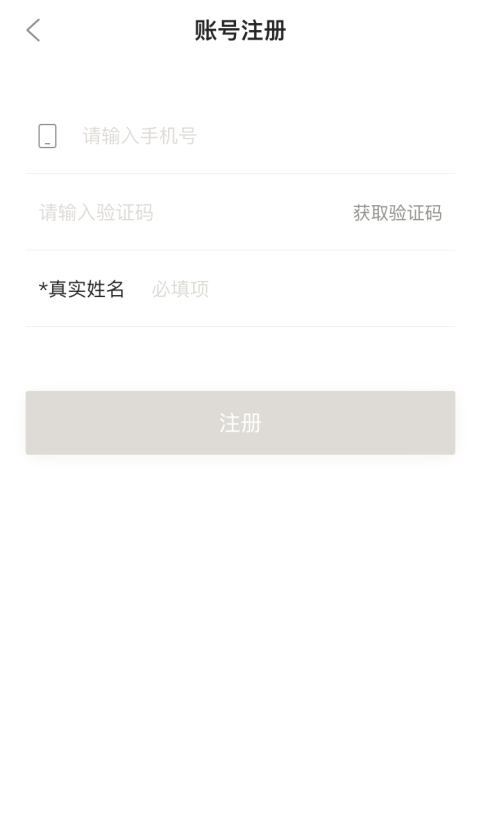
[ Note: When registering, select your school + mobile phone number + real name (this information is filled in for the convenience of later matching with library reader information, you can get continuous use permissions, if you are not teachers and students of this school, Then lose the right to use]
Instructions
IP address authorization, the authorized address can be directly accessed. Click to enter .
If you have any questions during use, please contact Teacher Zhang Qian from the Resource Development Department of the Library .
Contact number: 84396021
Email: zq@njau.edu.cn
Teachers and students are welcome to use!